Gamified Worksheets: What They Are, and When a Quiz Works Better
At a glance
Game framing is nice; the marking pile is not
- 1
What it is
A worksheet with points, badges or a race layout around standard questions.
- 2
Still hand-graded
Someone still has to check every response by hand.
- 3
Auto-graded quiz
Instant scoring and per-question results remove the marking step.
- 4
Screen-free classes
A printable test keeps paper format where devices are not an option.
TL;DR. A "gamified worksheet" is a printable or digital page with game elements — points, badges, a race-to-finish structure — bolted onto otherwise standard questions. It's still a worksheet: someone has to mark it. If what you actually want is the engagement without the grading pile, a short auto-scored quiz does the same job in less setup time. If you specifically need paper-based, screen-free practice, a worksheet (gamified or not) is still the right tool — we cover that case too.
What "gamified worksheet" usually means
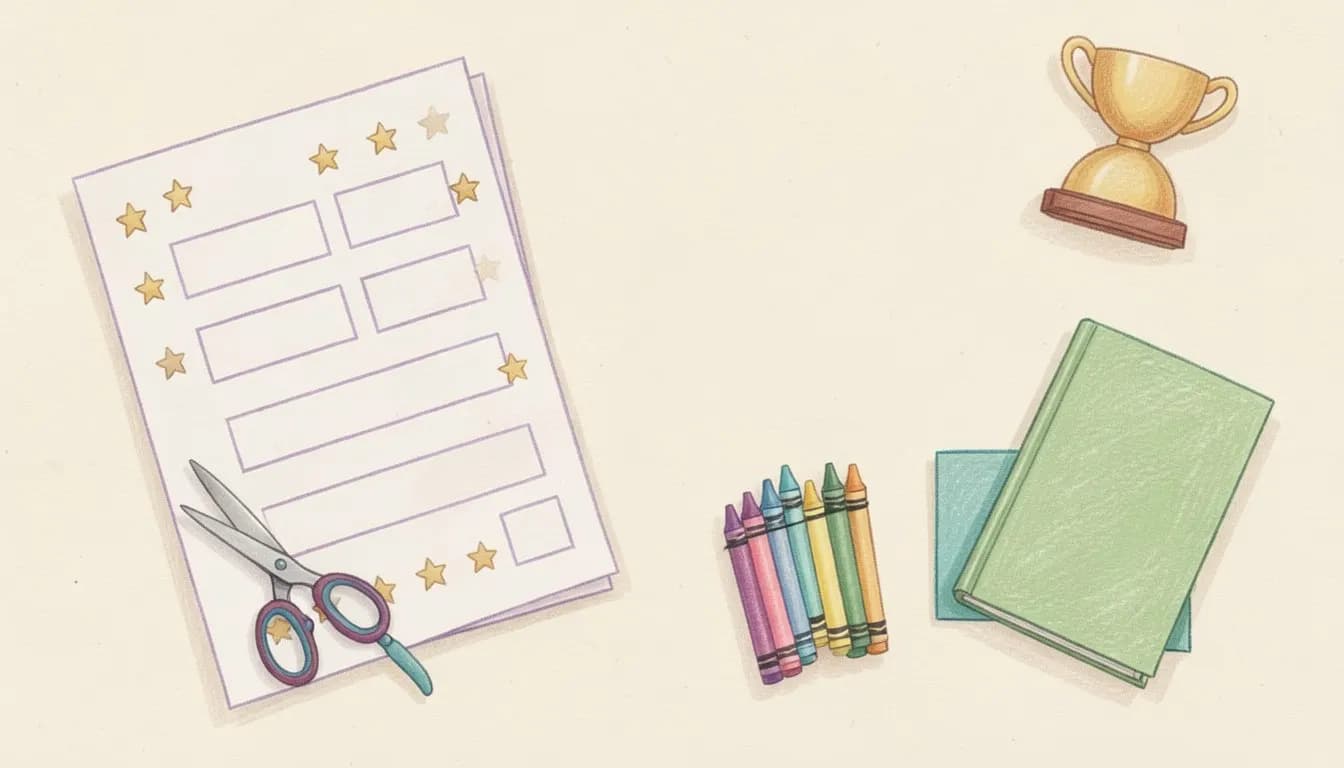
Search around for gamified worksheets and you'll find a fairly consistent format: a PDF or printable page where questions are wrapped in a game frame — a points tally down the side, a "level up" theme, sometimes a maze or bingo-card layout where correct answers unlock the next square. The content underneath is usually the same short-answer or multiple-choice questions you'd find on a plain worksheet. The gamification is presentation, not mechanics.
That's a real and useful format. It works well for independent seatwork, homework packets, and any classroom where students aren't on devices. The tradeoff is the one every paper worksheet has: nothing grades itself. A teacher (or the student, with an answer key) still has to check every response by hand.
Where an auto-graded quiz does the same job faster
If the actual goal is "make review feel like a game and give students quick feedback," a digital quiz gets there without the marking step:
- Instant scoring. Students see their result the moment they submit — no waiting for the pile to come back.
- Per-question analytics. SimpleQuizMaker's results dashboard shows which specific questions the class missed most, so you know what to re-teach without reading 30 papers by hand.
- Generate from what you already have. Paste your existing worksheet text, or upload the PDF, and the AI turns it into a scored quiz in the same format — you don't lose the content you already wrote.
- Share once, no printing. A link works for a full class or a single make-up student, synchronously or on their own time.
None of that requires giving up the game framing — a quiz with a leaderboard-style results view and a time-pressure element already reads as "gamified" to most students. The difference is what happens after they finish: a worksheet needs a grader, a quiz doesn't.
Where the worksheet still wins
To be direct about the limits: if your classroom is genuinely screen-free (a real constraint in a lot of elementary and some standardized-testing contexts), a digital quiz isn't an option at all. For that case, SimpleQuizMaker's printable test maker generates a clean, gradeable paper version from the same AI-generated question set — you get the fast question-writing, lose the auto-grading, and keep the paper format some classrooms require. It's a plainer page than a themed gamified worksheet, and if the point-tally visual design is what you're after specifically, a dedicated worksheet tool will do that better than we do.
Making the switch for one unit
You don't have to convert everything at once. A reasonable first test: take one worksheet you already grade by hand every week, run its questions through the quiz builder or PDF importer, and compare the grading time on that single assignment. If the auto-scoring saves real time and the class still engages with it, expand from there. If the class needs paper that week, the printable version is one click away on the same generated quiz — you're not choosing the format once and living with it.
Common questions
Does SimpleQuizMaker generate gamified worksheets? No — it generates quizzes, not worksheets, and there's no worksheet-specific layout or points-tally visual design. What it does generate is a scored quiz that you can either play on screen or print as a clean, gradeable paper copy from the same question set.
Will students notice the difference? For most classes, the game feel comes from instant feedback, a timer, and seeing a score — not from a themed border around the page. A quiz gets you that without anyone marking a stack of papers by hand.
What if only some students need paper? Generate the quiz once, then send the digital link to most of the class and print the same quiz for anyone who needs a paper copy — same questions, same answer key, two formats.
Get weekly study & quiz tips
Join teachers and students who get practical tips on quizzing, active recall, and AI-powered learning.
Questions or a quiz of your own on this? Discuss this on r/SimpleQuizMaker
SimpleQuizMaker Editorial Team
Editorial team
How we create and review guides →
Try it on your own material
SimpleQuizMaker turns what you are already teaching or studying into practice questions. The free plan includes 5 quiz generations a month and needs no card.
Related posts
 Tutorial
Discord Quiz Bot Setup (and Why a Hosted Quiz Often Works Better)
6 min
 For Teachers
Diagnostic Quizzes: Using Pre-Assessment to Plan Better Lessons
7 min
 Comparison
Best Mentimeter Alternatives for Teachers and Trainers in 2026
6 min
 AI & Quizzes
AI Quiz Generator Explained: How It Works and How to Use It Well
11 min
 Tools
Word Document Quiz Template (Free, Copy-and-Edit)
5 min
 Study Tips
How to Study for a Test in One Night (and Actually Pass)
6 min